Browser-Based GIS Viewer
Free GIS Viewer
for quick file drops, map review, and export.
Open and explore GIS data directly in your browser. No account, no install, no redirect to a separate app.
What You Can Do
Everything you need to explore GIS data
A lightweight viewer built for quick file inspection — without the overhead of desktop GIS software.
Drag & Drop Upload
Drop GeoJSON, CSV, Shapefile (ZIP), GeoPackage, KML, or GPX files directly into the viewer. Load multiple layers at once.
Basemap Switching
Toggle between OpenStreetMap and satellite imagery to give context to your data.
Smart Filtering
Filter features by any attribute column. Pick values, combine filters, and instantly see how many features match.
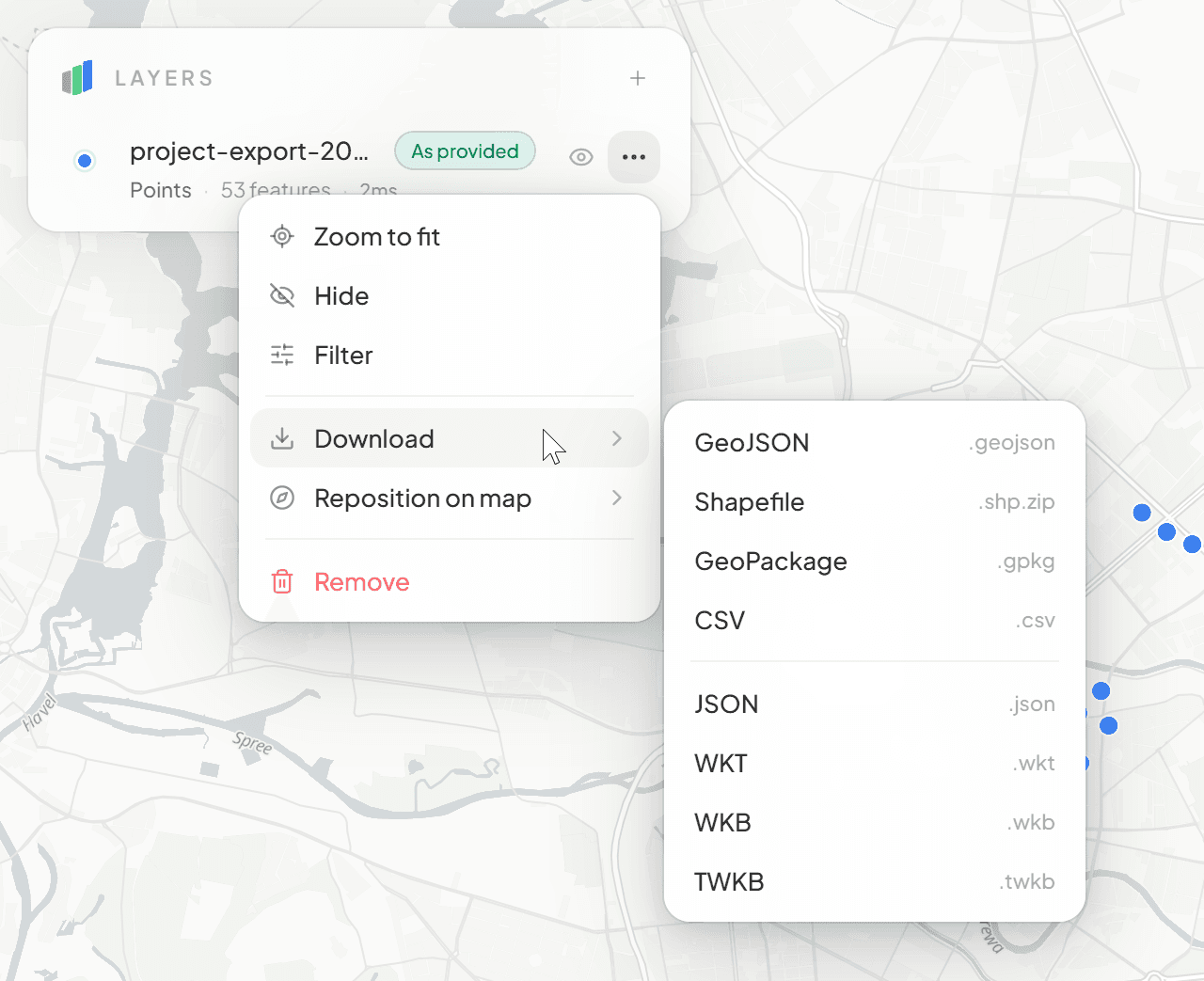
Export to 8+ Formats
Download your data as GeoJSON, Shapefile, GeoPackage, CSV, JSON, WKT, WKB, or TWKB. Optionally apply filters before export.
Attribute Editing
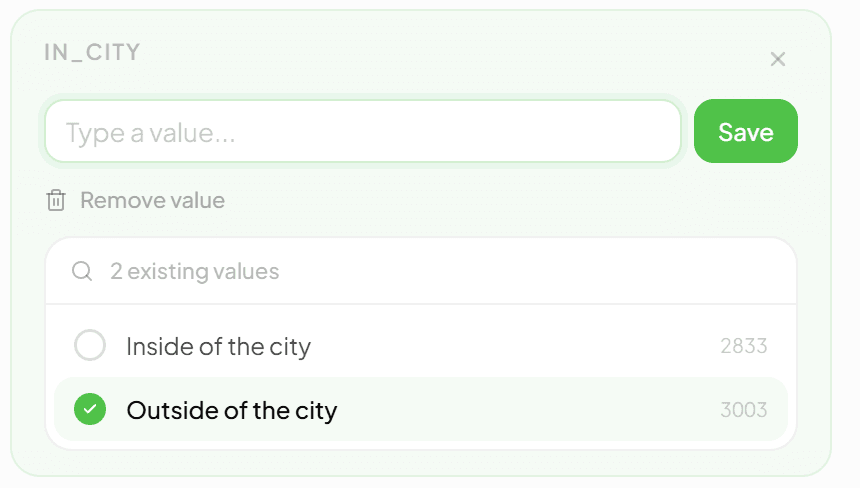
Click any feature to inspect and edit its properties inline. Pick from existing values or type a new one.
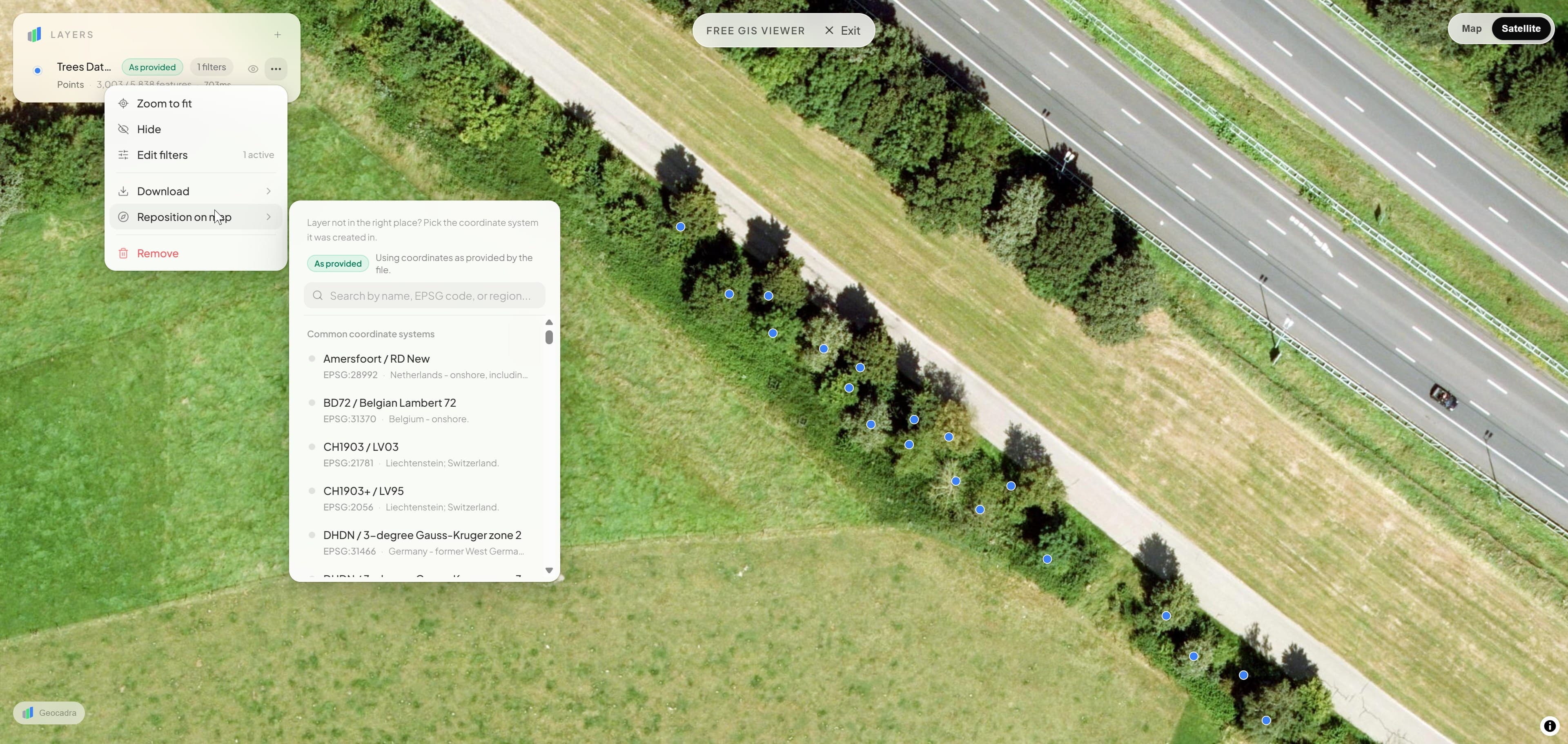
CRS Reprojection
Layer in the wrong place? Pick the source coordinate system and reposition it instantly. 8,000+ EPSG codes supported.
Satellite & Editing
Switch basemaps, reproject layers, and edit attributes — all in one place.
Toggle between map and satellite imagery, pick the right coordinate system for misplaced data, and edit feature attributes inline without leaving the viewer.
Frequently Asked Questions
Common questions about the free GIS viewer
What file formats does the free GIS viewer support?+
The viewer supports GeoJSON, CSV/TSV, Shapefile (ZIP), GeoPackage (.gpkg), KML/KMZ, and GPX. You can drag and drop multiple files at once to load several layers.
Do I need to create an account?+
No. The viewer is completely free and requires no account, no login, and no installation. Just open the page and drop your files.
Is my data uploaded to a server?+
No. All processing happens locally in your browser. Your files never leave your device — nothing is uploaded, stored, or shared.
Can I export data from the viewer?+
Yes. You can export in 8+ formats including GeoJSON, Shapefile, GeoPackage, CSV, JSON, WKT, WKB, and TWKB. You can optionally apply active filters before export.
What if my layer appears in the wrong location?+
Use the CRS Reprojection feature to pick the correct source coordinate system. The viewer supports 8,000+ EPSG codes and repositions the layer instantly.
Can I edit feature attributes?+
Yes. Click any feature on the map to open the attribute inspector. You can edit values inline, pick from existing values, or type new ones.
Format Conversion
Import in one format, export in another
Drop a CSV, explore it on the map, then download it as a GeoPackage. The viewer doubles as a free format converter.
Import (drag & drop)
Export (download)
All conversion happens locally in your browser — your data never leaves your device.
Need more than a viewer?
Geocadra is a full field data collection platform with GPS mapping, custom forms, photo documentation, and multi-client management.
No credit card required · Free trial included